
Airsivo
Your tablet. Your Mac's second screen.
Use the Android tablet you already own as a wireless second monitor for your Mac.
Extend. Mirror. Touch. Listen. No cables.
Free · macOS 14.4+ · Android 8.0+
Your tablet. Your Mac's second screen.
Use the Android tablet you already own as a wireless second monitor for your Mac.
Extend. Mirror. Touch. Listen. No cables.
Free · macOS 14.4+ · Android 8.0+
Performance
Every frame is captured, encoded in hardware and on your tablet in about 45 milliseconds. If your Wi-Fi hiccups, Airsivo skips ahead instead of falling behind, so what you see is always now.
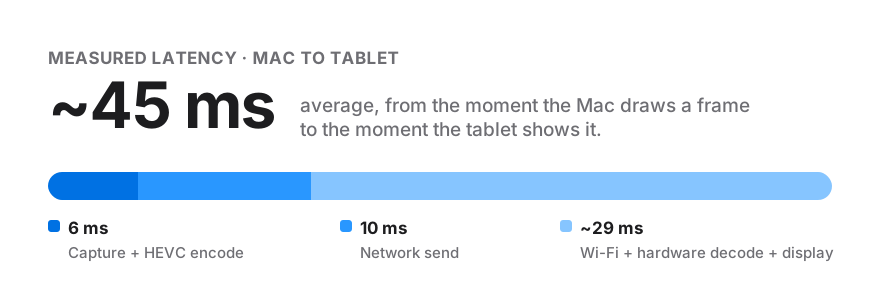
Measured on a MacBook Pro and a Samsung Galaxy Tab S8+ at 2800 × 1750, 60 fps, over home Wi-Fi. Results vary with your devices and network.
Features
Use the tablet as a second desktop that macOS treats like any monitor. Or mirror exactly what's on your Mac. One click to switch.
Up to 4K at 60 fps with HEVC, matched pixel for pixel to your tablet.
Open Airsivo on both devices and your Mac simply appears. No IP addresses, no pairing codes, no setup.
Audio
Move YouTube to the tablet and it plays from the tablet. Keep Instagram on your Mac and it plays from the Mac. Each app, its own speaker, automatically.
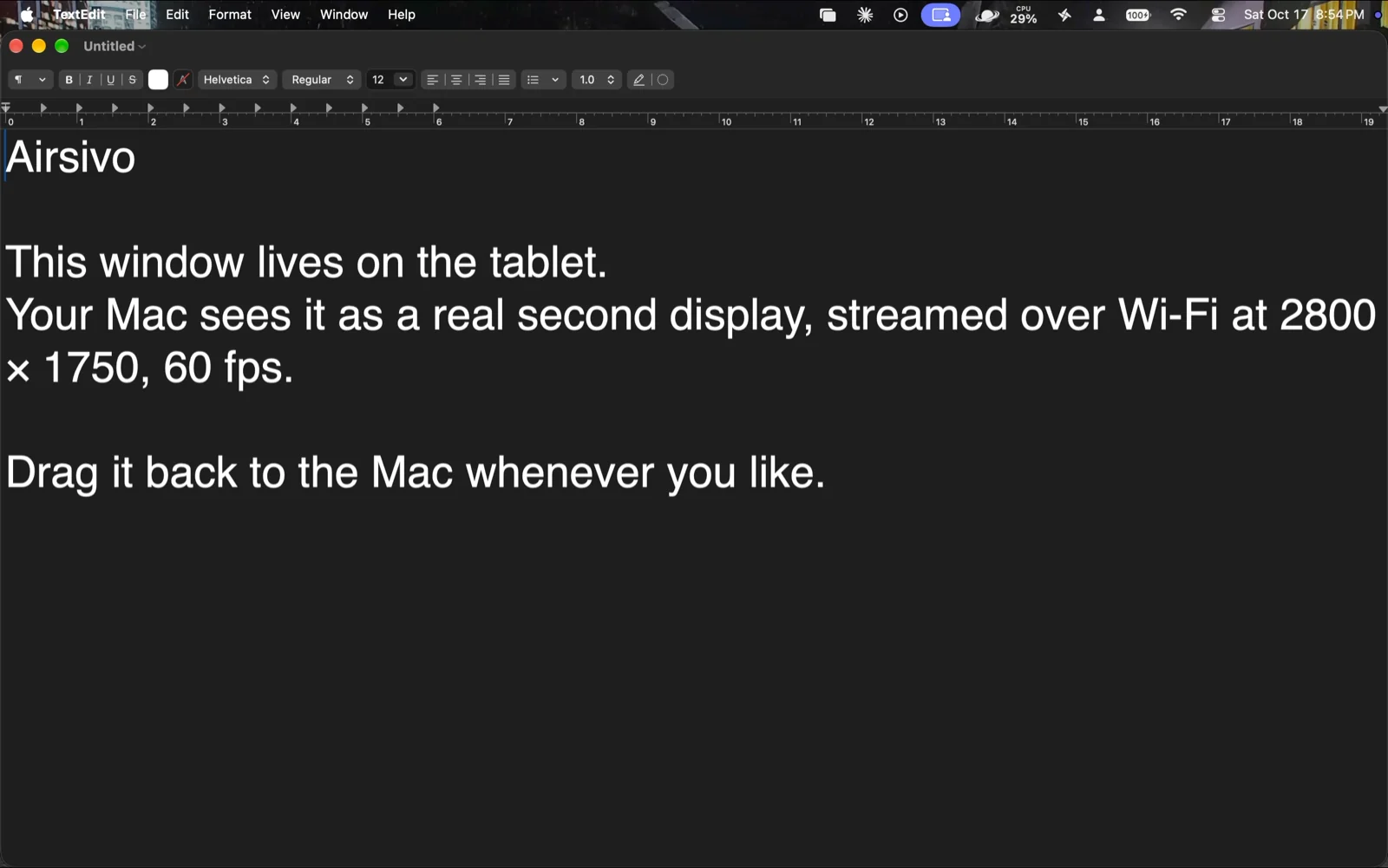
Designed for Mac
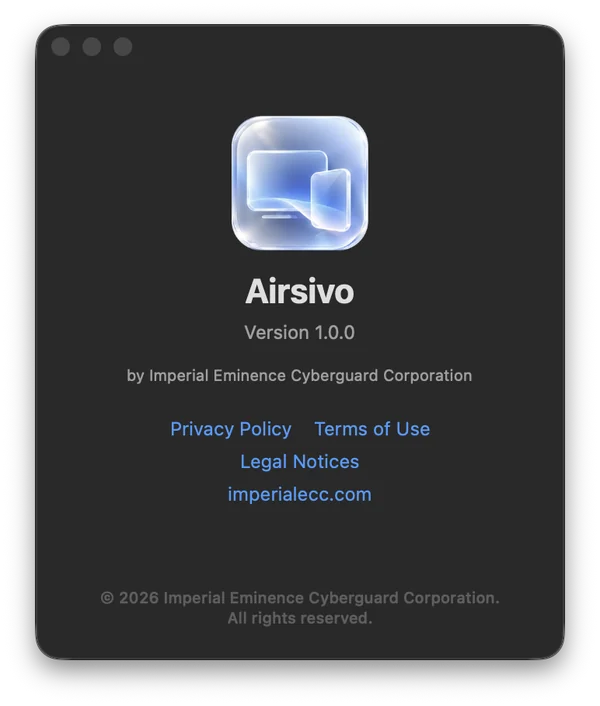
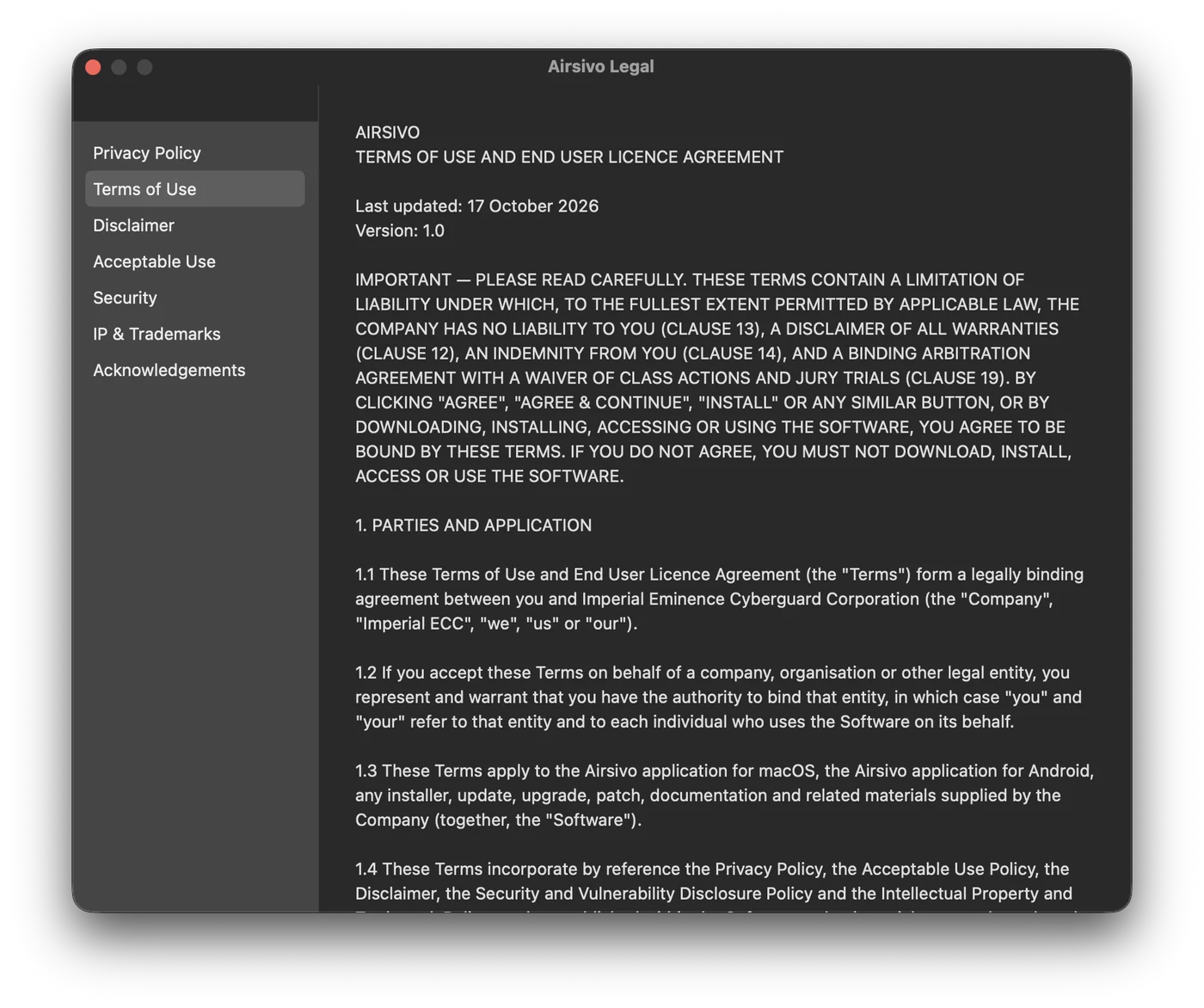
Airsivo lives quietly in your menu bar, showing your tablet and its live latency at a glance. Native windows, native controls, and a welcome that walks you through every permission.
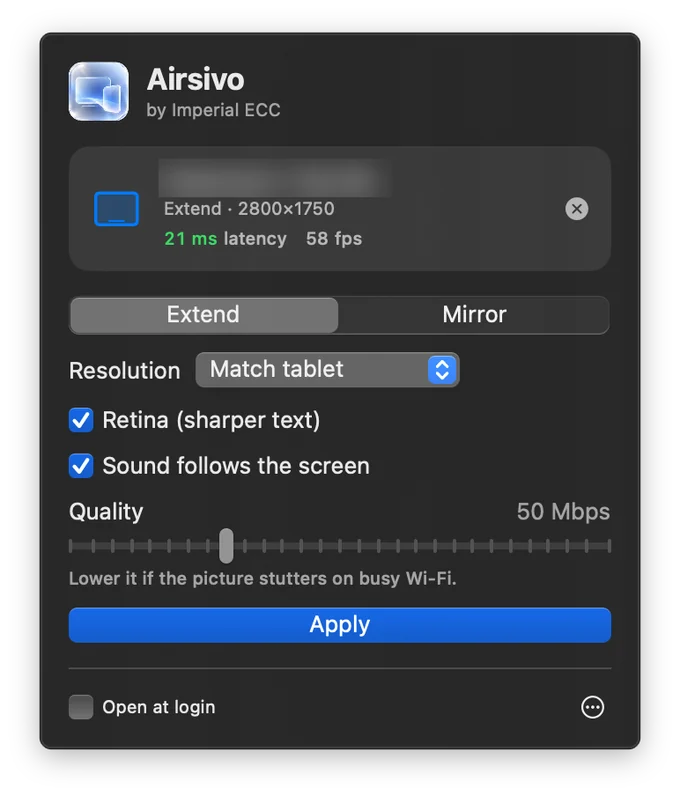
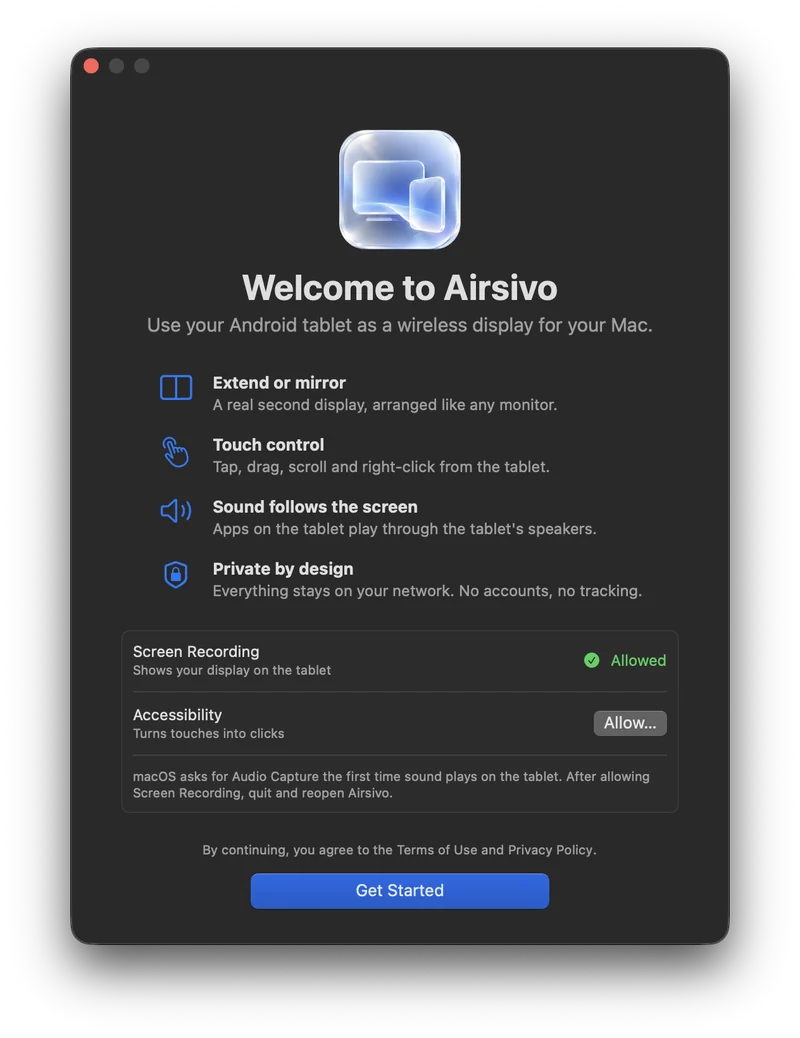
On your tablet
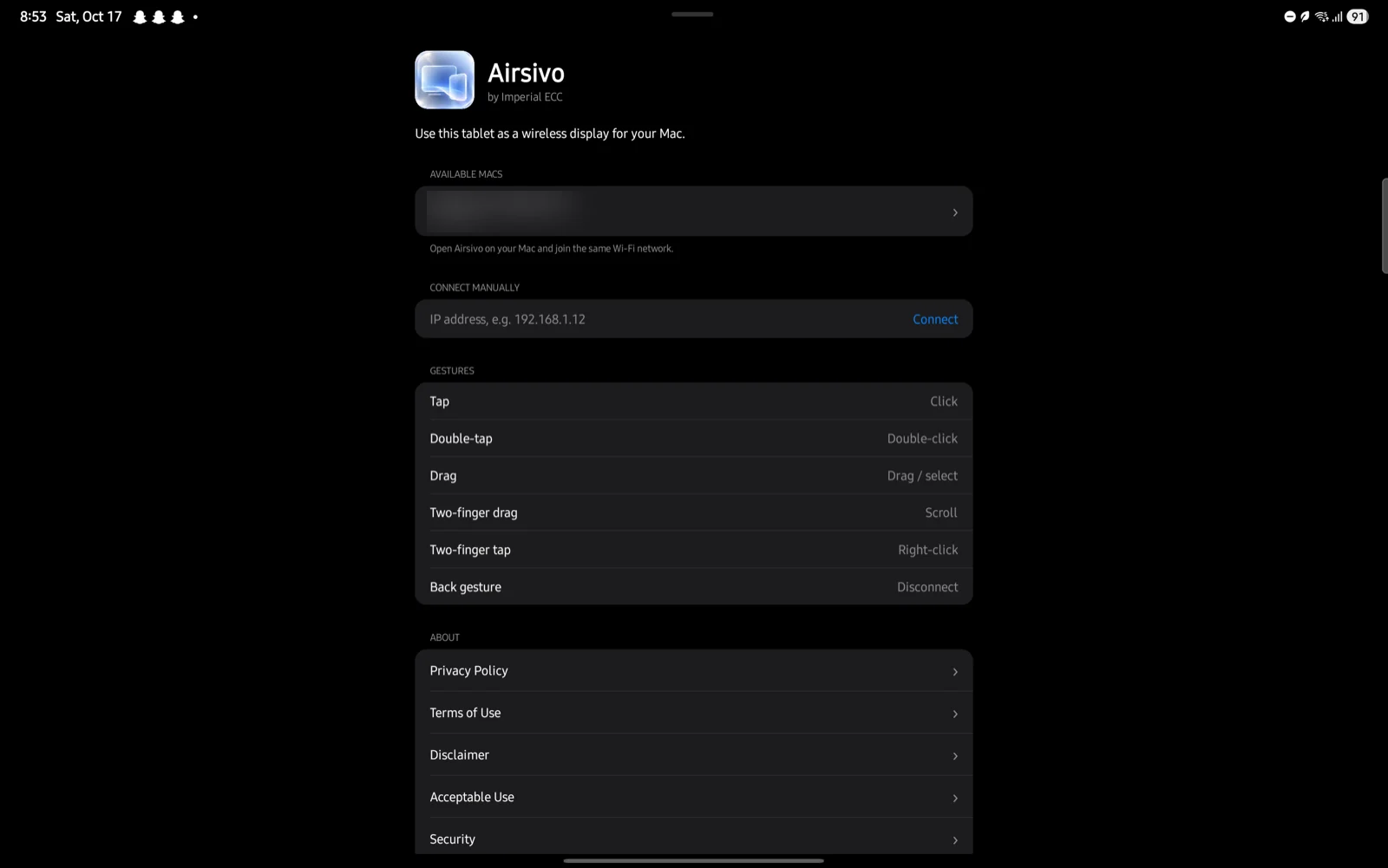
A clean, native app that finds your Mac, connects in a tap, and gets out of the way. Swipe back to disconnect.
Privacy
Get started
Open the installer. Airsivo appears in your menu bar and guides you through Screen Recording and Accessibility.
Open the app file on your Android tablet and allow the install when asked.
Same Wi-Fi, both apps open. Your Mac appears. Tap it, and you have a second screen.
The guide
Apple's Sidecar turns an iPad into a second display, but it doesn't work with Android tablets. Airsivo fills that gap. It turns a Samsung Galaxy Tab, Lenovo Tab, Xiaomi Pad, OnePlus Pad or almost any Android tablet into a true wireless extended display for your Mac, with touch control and sound.
Extended mode gives you a separate desktop on the tablet for reference documents, chat, music, a timeline or tool palettes. Mirror mode shows exactly what's on your Mac, which is handy for presenting or showing someone across the table.
| Airsivo | USB display apps | Subscription display apps | Mirroring apps | |
|---|---|---|---|---|
| Price | Free | Paid | Monthly or yearly | Varies |
| Wireless | Yes | No | Often | Yes |
| Extended display | Yes | Yes | Yes | No |
| Touch control | Yes | Varies | Yes | Rarely |
| Sound on the tablet, per app | Yes | No | No | Whole system |
| Account required | No | Varies | Usually | Often |
| Data leaves your network | Never | No | Varies | Often |
Categories describe common approaches, not specific products. Check each app's current features before deciding.
Airsivo is built on each platform's native frameworks: ScreenCaptureKit and VideoToolbox HEVC hardware encoding on the Mac, and hardware MediaCodec decoding on Android. The result is about 45 milliseconds from Mac to tablet at up to 60 frames per second, with frames dropped rather than queued when Wi-Fi is busy.
Tech Specs
Built directly on each platform's native frameworks. No web views, no Electron, no third-party code.
Download both apps from our official GitHub releases. Version 1.0.
Installer for Apple silicon and Intel Macs. If macOS can't verify the developer, right-click the file and choose Open.
Download for MacApp for Android tablets. Open the file on your tablet and allow installation from your browser or file manager.
Download for AndroidBy downloading, you agree to the Terms of Use.
Apple's Sidecar only works with iPad. Airsivo brings the same idea to Android: your tablet becomes a wireless extended or mirrored display for your Mac, with touch control.
Install Airsivo on your Mac and on your tablet, connect both to the same Wi-Fi, open the app on the tablet and tap your Mac. Your Mac now sees a real second display that you can arrange in System Settings.
Yes. Airsivo is free to download and use, with no ads, no subscription and no account.
It works with any tablet running Android 8.0 or later with HEVC hardware decoding, which covers most tablets made since 2018, including Samsung Galaxy Tab, Lenovo Tab, Xiaomi Pad and OnePlus Pad models. It's tested on the Samsung Galaxy Tab S8+.
Yes. Airsivo creates a real extended display, so you can drag windows onto the tablet and work across both screens. You can switch to mirroring with one click.
About 45 milliseconds on average from Mac to tablet, measured at 2800 × 1750 and 60 fps over home Wi-Fi. If the Wi-Fi slows down, Airsivo drops frames instead of falling behind, so lag doesn't build up.
Yes. Apps whose windows are on the tablet play through the tablet's speakers, and everything else stays on the Mac. Routing works per app, so two tabs in the same browser count as one app.
Neither. Airsivo works over your local Wi-Fi network, and nothing goes through the internet.
This version isn't notarized by Apple yet. Right-click the installer and choose Open, or go to System Settings › Privacy & Security › Open Anyway. Each release lists SHA-256 checksums so you can verify the file.
Never. Your screen, sound and touches travel only between your own devices on your local network. We don't collect any data. Use Airsivo on networks you trust, such as your home Wi-Fi.
Email support@imperialecc.com.